Upgrading
How to move the server to a new release, then the agents on the GPU machines, and how to move a cluster to a newer runtime. Each is a separate step that you start; nothing upgrades itself.
| What | How | What it interrupts |
|---|---|---|
| The server | faden upgrade |
The console and the gateway, for the minutes the services restart. Models keep running |
| A machine's agent | Run the install line again on the machine | Nothing: the agent restarts, the models keep running |
| A cluster's runtime | Runtime on the cluster's page | Every model on that cluster, while it loads again |
Before you start
- Free disk space. The new images need a few GB, a new runtime image up to about 15 GB per kind of machine,
and the backup the upgrade takes needs room for the databases. Check with
df -h. - Know which install the tool is set up for:
faden config shownames it (install_dir). - Pick a time. People see a maintenance page while the services restart.
Upgrade the server
-
Upgrade the command-line tool. It carries the release:
-
See what the upgrade would do:
It names the release it moves to (
Release: <current> -> <new> (pull published images)). -
Run it:
-
Check it (below).
The upgrade, in order:
- checks Docker, and that no container it is about to replace was created by something else;
- backs up every database, the
.envand the certificate material into~/fadenstack/backups/<time>/, and stops if nothing could be backed up; - replaces the deployment files with the new release's, and adds to
.envonly the settings the release introduces: every value you set is kept, except the sizing of the services, which is worked out again for the host asfaden tunedoes; - pulls the new release's images;
- restarts the services behind the maintenance page; the database migrations run here;
- waits for the console API to answer, then lifts the maintenance page;
- fetches the runtime images the new release names. Only what changed is downloaded. A failed pull stops
nothing: retry it with
faden runtime-images.
| Option | What it does |
|---|---|
--dry-run |
Show what would happen, change nothing |
-y |
Do not ask before starting |
--backup-dir PATH |
Put the pre-upgrade backup elsewhere |
--no-backup |
Skip the backup. Only when you have a current one |
--runtime-images ARCHS |
Which runtime images to fetch: all, none, x86_64, aarch64. Remembered |
Warning
An upgrade only moves forward: the databases are migrated to the new release. The tool refuses to move an install to an older release, and going back to the release before is not possible yet (see Going back).
Changes you made to the deployment files themselves, such as nginx/nginx.conf, are replaced. Keep your changes
in .env.
What people see meanwhile
While the services restart, every page of the console shows "Fadenstack is being updated" and reloads itself into
the console once it is back. The API (/api) and the gateway (/v1) answer 503 with Retry-After: 30, so
scripts and SDKs can wait and retry. A console page left open notices the new version and offers Reload; a page
with text typed and not sent is never reloaded by itself.
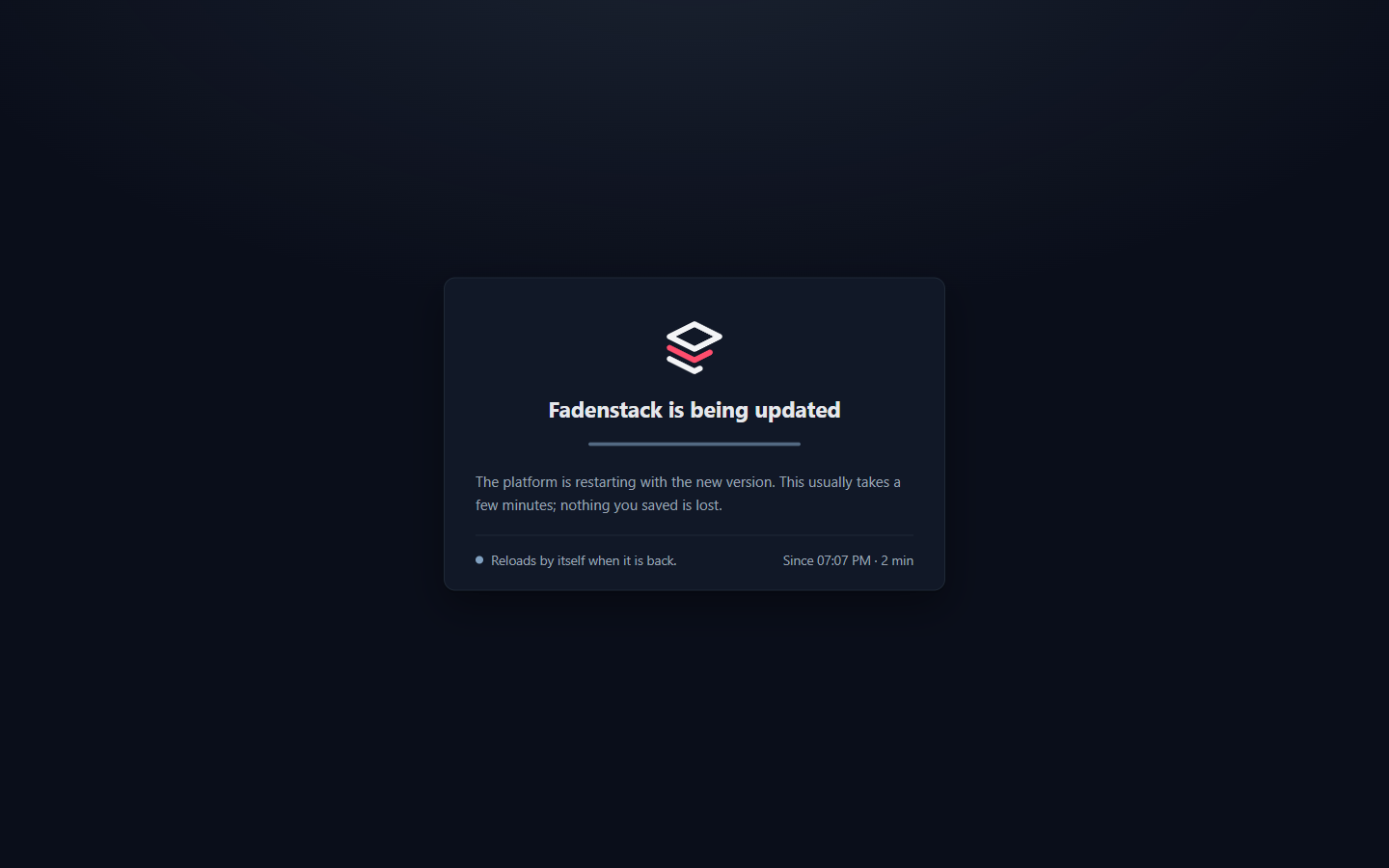
The models on the clusters keep running throughout: a cluster runs on its machines, not on the server.
Maintenance by hand
The same maintenance page can be switched on for your own work. The services keep running; only the front door changes.
faden maintenance on -m "Back at 15:00"   # the note is shown on the page
faden maintenance status
faden maintenance off
An upgrade leaves maintenance you switched on by hand switched on.
Check it
faden status                                           # every service up; healthy where it has a check
curl --cacert ~/fadenstack/tls/ca.crt https://ai.example.internal/api/health   # 200
Then sign in to the console. The machines and clusters are as they were.
Update the machines' agents
A new release may expect a newer node agent than the machines run. The Machines list and each machine's page then show Agent version available on that machine, with the version the server expects. Agents never update themselves, and the server never updates them: you pick the window.
- In the console, open Machines and select Add a machine, and copy the install line.
- On each machine, run the line again, the same way you ran it the first time: with
sudofor an agent that runs as a system service, without it for one that runs as a user service.
The installer downloads the agent the server now expects, sees that the machine is already a member, and restarts the agent on the new build. There is nothing to approve. The models on the machine keep running: the agent is the machine's link to the server, and the cluster's containers do not depend on it running.
Update the agents soon after an upgrade. Some features need a recent agent on every machine of a cluster, and the console names the machines to update when one is missing (for example on the cluster's Traffic between machines card, or in a drain plan).
Machines without internet access
Machines without internet access install the agent from the server's own copy in ~/fadenstack/agent-binaries/.
Replace those files after every server upgrade with the new release's builds (faden-agent-linux-x86_64,
faden-agent-linux-aarch64, with their .sha256 files), from the project's releases page. Nothing replaces them
for you, and an old copy holds back the machines that rely on it.
Move a cluster to another runtime
A runtime is the image a cluster's machines run: Ray and vLLM together, built for that kind of machine. The cluster's Runtime card says whether it is certified: Certified, Partly certified or Not certified. A release ships a Recommended runtime for each kind of machine, can ship a newer Preview, and keeps an older one to go back to. A new cluster gets the recommended one.
A cluster keeps the runtime it was started with: through restarts, through recovery after a fault, and through server upgrades that ship a newer one. When a newer certified runtime is out, the cluster's Runtime card says so. Nothing changes until you switch.
- Open Clusters, then the cluster.
-
On the Runtime card, choose the runtime under Switch to and select Switch.

-
Read the warning and select Restart on this runtime.
Each machine's container is made again from the new image (a machine that does not hold it yet fetches it first), and every model on the cluster loads again. Plan a window for it. A Preview runs models the recommended runtime cannot; choose it for a cluster that needs those models. The model marketplace says Cannot run here for a model that needs a newer runtime than the cluster runs (see Models).
Going back
Under testing
Going back after an upgrade is being tested, and goes back only part of the way. A restore puts the data back as it was before the upgrade, but the server stays on the new release: its programs and deployment files stay as the upgrade left them, and the databases are migrated to the new release again when the services start. Going back to the earlier release itself is not possible yet. The sure way back is a snapshot of the whole server, taken before the upgrade: a virtual machine snapshot or a disk image.
Every upgrade leaves a backup in ~/fadenstack/backups/<time>/. To put the data back as it was before the
upgrade, restore that backup:
The restore puts back every database, the .env and the certificate material, and restarts the services.
Anything done after the backup is lost. A cluster created after the backup keeps running on its machines; take it
over instead of creating it again (see Taking over clusters). More on restoring:
Backups.
When it does not work
These containers have names this installation uses, but it did not create them. A container with one of
Fadenstack's names was made some other way, by hand or by another compose project. The message lists them and
the command to remove them (docker rm -f <name>). Removing a container keeps its data volumes. Then run the
upgrade again.
This CLI (<version>) is older than the install (<version>). The tool is older than the release the install
runs. Upgrade the tool first.
Backup failed — aborting upgrade. Usually a full disk, or Postgres not running. Free space, check
faden status, and run it again. Use --no-backup only if you have a current backup.
Backend did not become healthy within 120 s. The services were restarted but the console API does not answer
yet. Read faden logs faden-backend. The maintenance page is lifted anyway, so whatever runs can be reached.
... this release names a build that is on no registry. A runtime image for one kind of machine is not
published. The upgrade is not affected and running clusters keep their images. A machine of that kind can still
get the image from another machine of its cluster that holds it.
The disk is full. Postgres, the log store and the other stores restart over and over. Nothing works until
there is space: remove images no container uses (docker image prune), move old backups off the server, then run
the upgrade again. The dashboard warns earlier: Disk space low.